Leave a Google Review
Invite patients to leave a Google review for Tham Clinic.
Use the direct review link or the QR code below. This page is designed for in-clinic sharing so patients can open the Google review flow in one step.
https://g.page/r/CW2NNRbzGeVhEBM/review
-
1
For front desk staff
Share the link in WhatsApp or SMS after a consultation, or place the printable poster on the reception desk.
-
2
For patients
Patients can tap the button on mobile, or scan the QR code with their phone camera to open the review form.
-
3
Best-practice reminder
Invite honest feedback from all patients. Do not offer incentives, and do not ask only satisfied patients to review.
Scan to review
Patients can scan this QR code with their phone camera to go directly to the Google review flow.
Open the Review PageInspiration and guidance
This page is inspired by the Google Business Profile “Get more reviews” sharing workflow, then adapted for Tham Clinic so the review link and QR code can be used online and in the clinic.
- Ask for honest feedback based on the patient’s real visit.
- Do not offer gifts, discounts, or rewards in exchange for reviews.
- Do not screen patients and only request reviews from positive experiences.
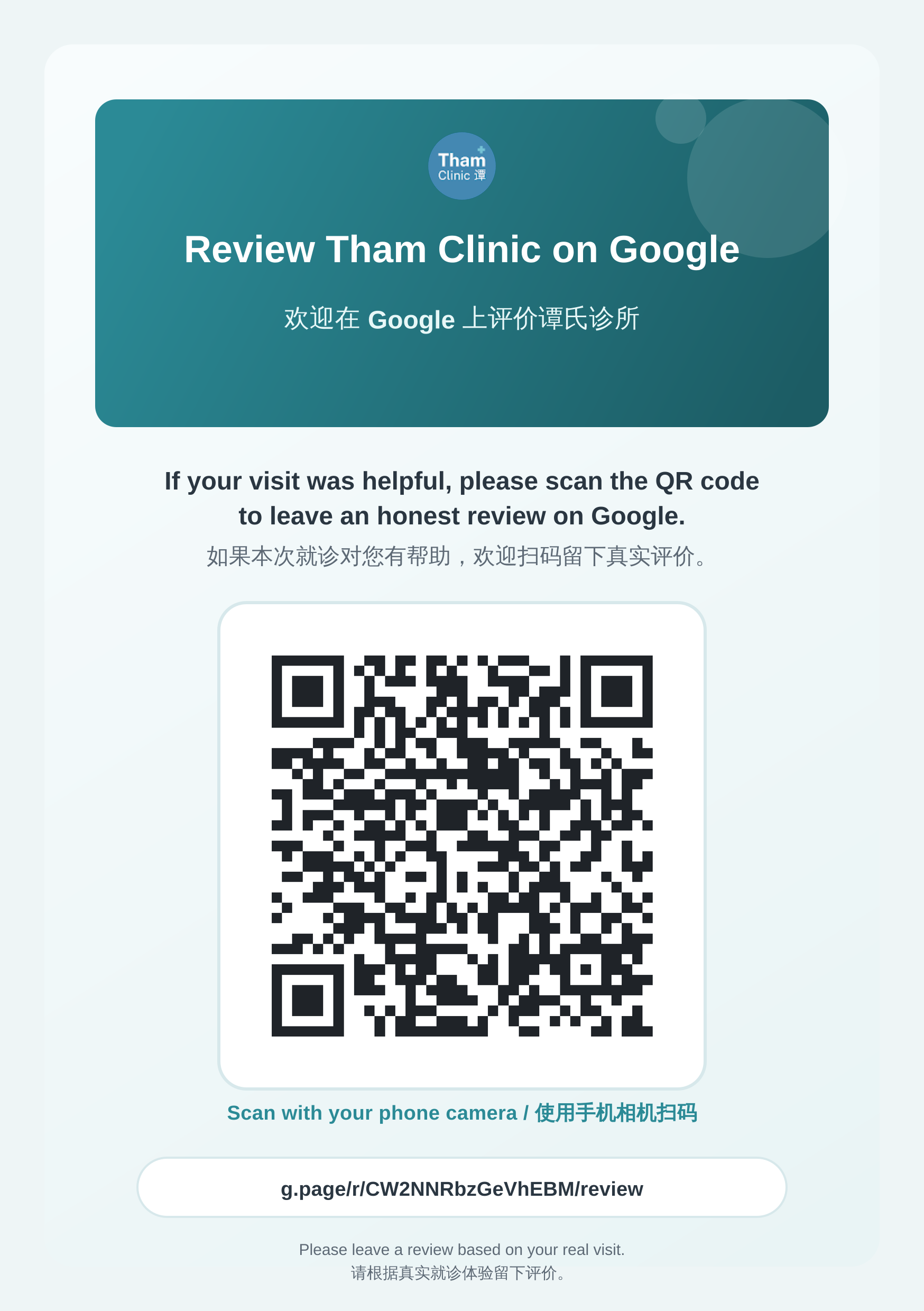
Printable poster
Download the ready-to-print A5 poster for the front desk, consultation room, or waiting area. Both PDF and PNG versions are available.